Guide
Have Asterion build a system
Describe a star system, and then an interstellar visitor, in plain words and watch Asterion put them in your scene. Needs a free account.
You will work in the workspace at /app. Open it in another tab and follow along.
Every step was followed by hand in the workspace on 2026-10-21, version 1.0.0-beta.817.
Stop 1 of 2
Describe a system
Free account needed. Signed out, the Asterion tab asks you to sign up for free beta access, and nothing can be asked. A free account gets 25 questions a day.
- Sign in to the workspace at /app with a free account. You can create one at /signup.
- Choose the Asterion tab at the bottom.
- Type: Build me a system with a red dwarf star and two rocky planets. Then choose Send.
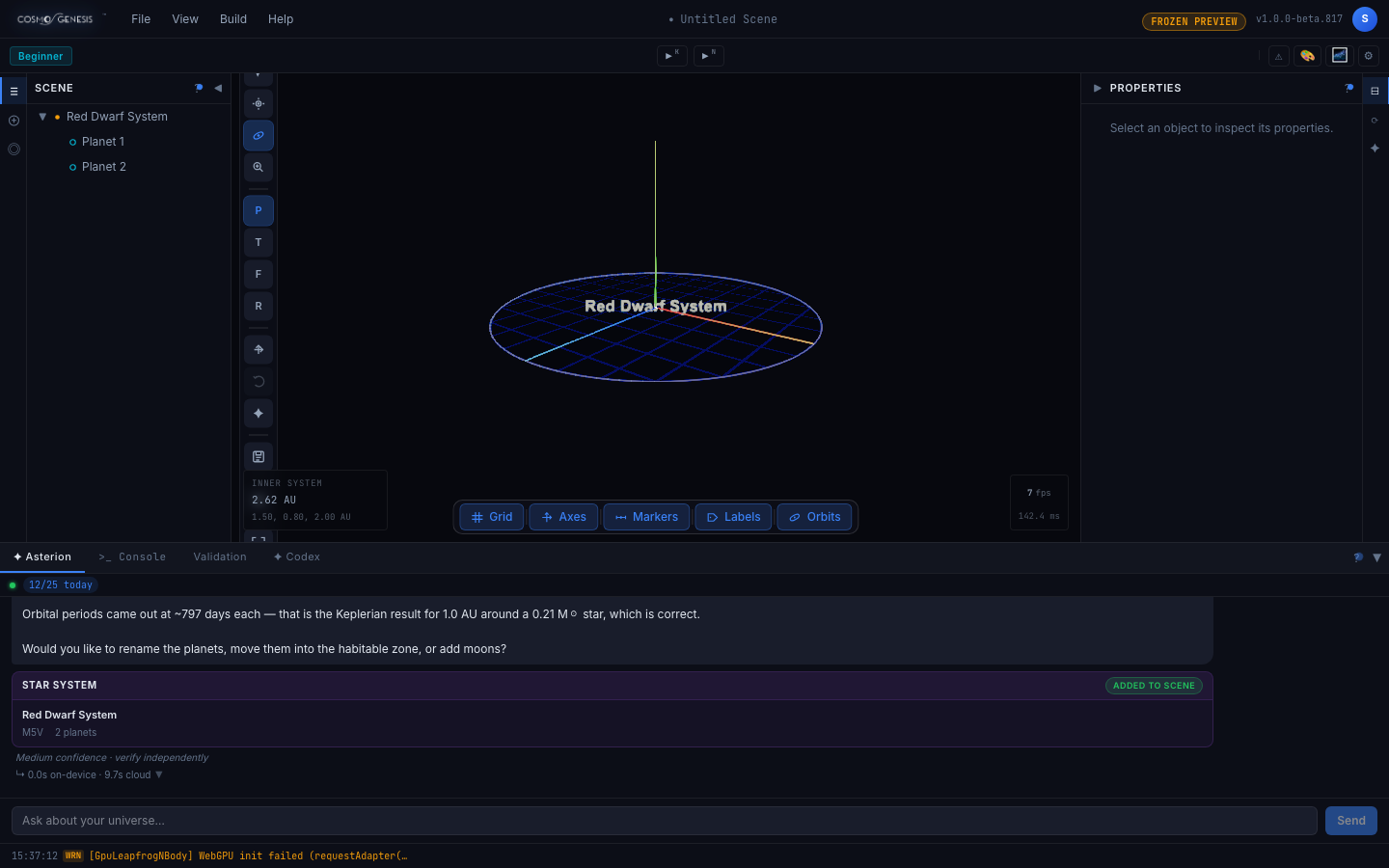
What you should see. After several seconds the Scene list on the left shows a new system with two planets under it, and the reply ends in a Star system card marked Added to scene. Asterion opens its reply by listing the choices it made for you, such as the planet names. It also puts both planets at the same distance from the star unless you say otherwise, says so, and offers to rebuild with other distances. A small grey note under the reply reads Medium confidence, verify independently.
Stop 2 of 2
Add an interstellar visitor
Free account needed
- In the Asterion tab, type: Add an interstellar visitor passing through this system. Then choose Send.
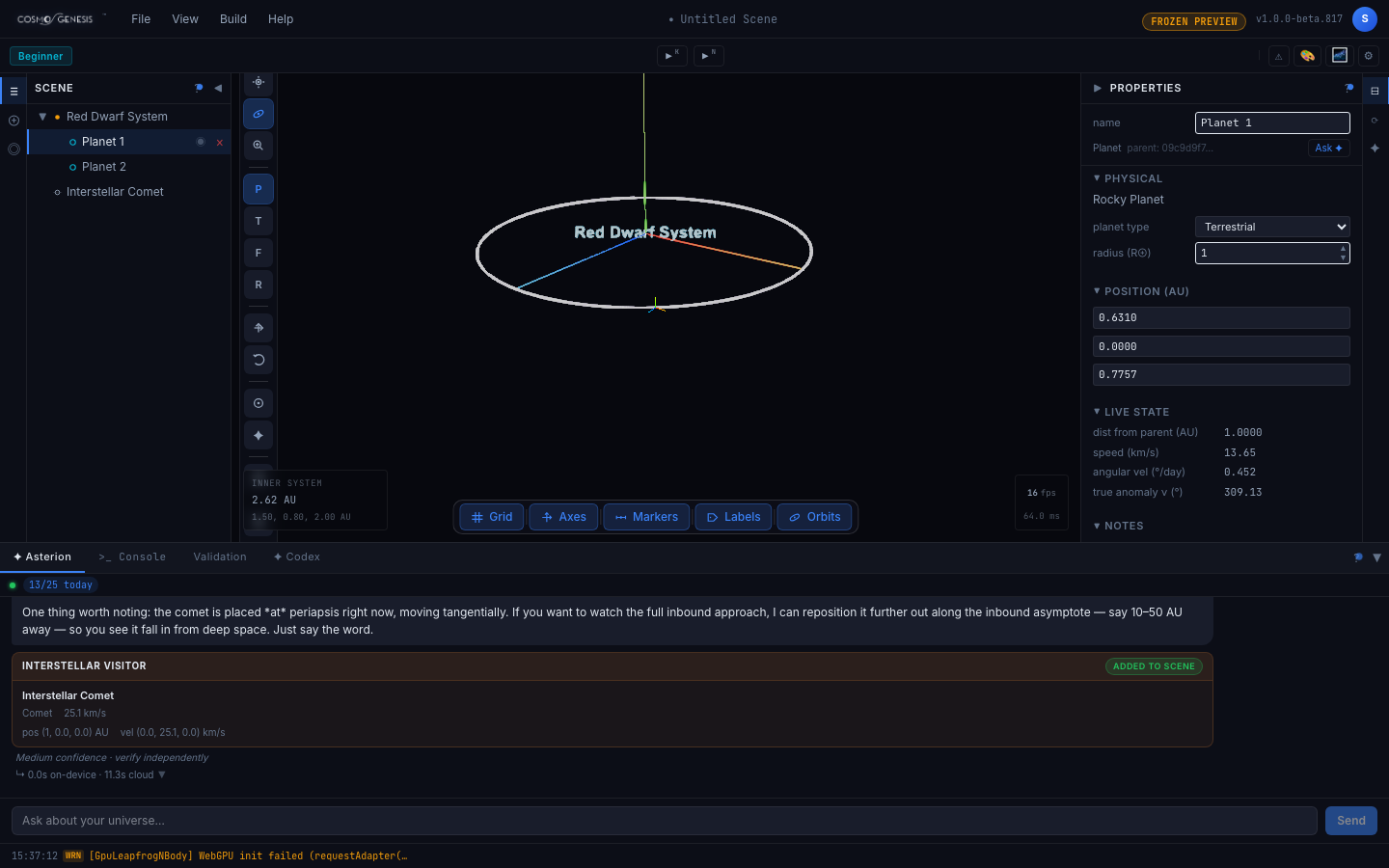
- In the Scene list, choose Planet 1. The Properties panel on the right shows its details, including its distance from its star under Live state.
What you should see. A new entry, Interstellar Comet, appears in the Scene list outside the system, and the reply ends in an Interstellar visitor card marked Added to scene that gives the visitor's speed. Asterion says it has placed the visitor at its closest approach to the star and offers to move it further out so you can watch it arrive. Planet 1's distance from its star reads 1 AU unless you asked for something else.
At the end you have
A star system and an interstellar visitor in your scene, both built from what you typed, and a clear view of which choices Asterion made for you so you can ask for different ones.
More guides are being planned. The roadmap says what is here and what is on the way.